
Author

Salesforce
Published on:
November 6, 2026
The Platform Comes to You
The Platform Comes to You: How We’re Bringing the Full Power of Salesforce to Any Interface
Think about the last time you needed a specific piece of customer information. The status of a deal, the history behind an account, the open cases for a client you're about to call. Chances are you didn't go looking for it where it actually lives. You pinged a colleague, searched your inbox, or opened yet another tab.
That gap is what we kept coming back to. A company's knowledge is already in Salesforce. But for most people it sits behind a login, a navigation menu and a set of fixed screens. The data is there. Getting to it takes effort, and that's usually where good intentions about working with data quietly end.
We don't think people should have to adapt to the system. The system should show up where people work. That is the idea behind AIforce.
From destination to context
For a long time, using Salesforce meant going to Salesforce. One application, one interface. It worked, but it also set limits: on who could use the information, on how much of it they could see at once, and on how much value they could get out of it.
With AIforce, we bring Salesforce data, workflows, business logic and controls into the AI interfaces where people and agents already work. That includes tools like Claude and Slack, and of course Salesforce itself.
To be clear about what we mean: this is more than a CRM record shown in another window. You can ask a question and get an answer grounded in your own Salesforce data. You can update a record or start a workflow from wherever you happen to be. And agents can read across hundreds of records, draw on connected systems and look at the business as a whole, instead of one record at a time. The goal is that people and agents act on what they find, rather than sorting through lists of records.
What this looks like on a Tuesday afternoon
Take a sales lead who wants to know which key accounts have gone quiet. In Slack, she asks. The answer pulls together the accounts, the related support cases and the Slack threads around them. She reassigns an owner, creates a follow-up task and drafts a win-back email, all in the same conversation. That used to mean several tools and a good part of an afternoon.
The same logic applies to the way interfaces themselves get built. Instead of relying only on fixed layouts and fields, people can describe what they need and have a live interface put together around the task, showing the Salesforce information and actions that matter right now. Engine, a company that handles more than 800,000 customer inquiries a year, puts it simply: employees describe what they need and get a working interface based on existing data, instead of waiting for someone to build a dashboard or a report.
For teams that want to go further, we built this to be open. MCPs, APIs, plug-ins and skills can be used to create or extend interfaces, agents and views. Our Headless Toolkit exposes parts of the platform for this kind of work, and AgentExchange gives Salesforce and our partners a place to share what they build.
One foundation, many interfaces
The interface can change. What sits behind it should not. Data 360 brings together data, metadata and memory to give every request unified context. Customer 360 supplies the logic, permissions and actions behind processes in sales, service, marketing and commerce. Agentforce provides ready-to-deploy agents, and the tools to build your own. AIforce is how this foundation reaches the tools people already use.
In practice, this shows up in a few places:
- In Claude, Claudeforce provides Salesforce through a prebuilt MCP server, which removes much of the manual setup, authentication work and skill mapping that integrations usually involve.
- In Slack, teams can bring live context from Salesforce, Slack and other tools into one interactive space, filter it, comment on it and act on it together. Users can also create accounts, log call notes and update records with a simple prompt.
- In Salesforce, Agentforce Coworker works in the Lightning interface and reasons across accounts, activity and history. It can also call the specialized agents our customers have already built. 100,000 users activated Coworker within its first 35 days. Fulton Bank went from zero to more than 20 use cases in production within weeks, supporting around 3,000 users.
Trust comes first
Putting business context into more places raises a fair question: who gets to see what? We think it is the right question, and we designed for it from the start.
Requests run on the permissions and business rules you already have, so people and agents can only see and do what those controls allow. Actions route back through Salesforce. There is no new permissions model, no migration and no custom integration work: administrators connect once, and teams can start using it. And with Zero Data Retention, business data is used to answer the question at hand and is not retained by the model provider.
The more interfaces you add, the more important it becomes that the rules stay in one place. In our view, that is what makes it possible to use AI in daily work without losing control of the data behind it.
A question to take home
Every company has a version of the same problem: valuable knowledge, and too many steps between that knowledge and the person who needs it. We think the answer is not another application. It is a platform whose context travels with you.
So here is a question we'd leave you with after the summit: If your colleagues didn't have to open Salesforce to use everything that's in it, what would they do differently on Monday morning?
Share via:
Read more
-
November 5, 2026
The Hidden Economics of AI: Choosing the Right Operating Model for Sovereignty and Cost Control
Navigating AI Cost & Sovereignty: Innflow Workshop
-

October 26, 2026
Why Switzerland Is well positioned for the Private AI Era
Interview with Yves Zischek, MD Switzerland & Austria @ Digital Realty
-
October 15, 2026
AI: Threat or Opportunity? What a Translator Learned from Kodak’s Downfall
How Innosuisse R&D helped turn AI disruption into LegalTech growth.
-
October 13, 2026
The Myth of Fast: Why Switzerland's AI Advantage Depends on What It Refuses to Rush
Clouds on Mars’ perspective on AI adoption and what's at stake for Switzerland
-
October 9, 2026
AI in financial services: From experimentation to trust
Turning AI prototypes into trusted, scalable financial solutions.
-
October 7, 2026
Intelligent Resilience: Rethinking Financial Governance in the Era of Digital Fraud and AI
Leverage AI and real-time analytics to meet FINMA’s dynamic fraud guidance.
-

September 7, 2026
2026 EDITION: Autonomy & Sovereignty
The Swiss AI Summit announces the theme of the 2026 Edition.
-
July 7, 2026
Portugal's State Reform in the Age of AI
What Governments Can Learn from a New Model of Public Administration
-
June 30, 2026
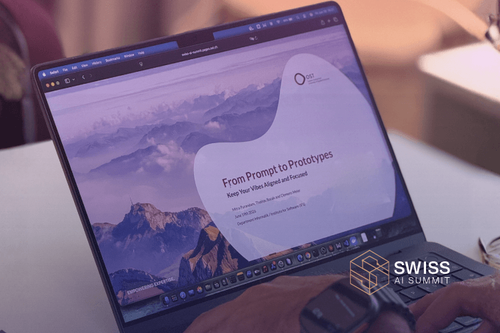
From Code Completion to Autonomous Coding Agents
Our Key Takeaways from our Vibe Coding Session hosted by OST
-
May 14, 2026
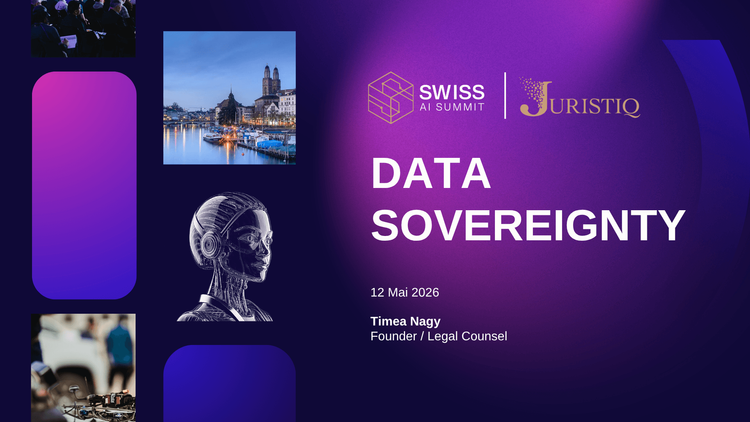
The geopolitics of data sovereignty
The political, economic, and strategic battle over digital trust
-

March 25, 2026
Swiss AI Magazine 2026 Launch
A recap of the Swiss AI Magazine 2026 launch event in Zurich at Headsquarter.
-

March 11, 2026
How to create real business value from AI
Insights from the First Swiss AI Summit Community Event of 2026
-
February 13, 2026
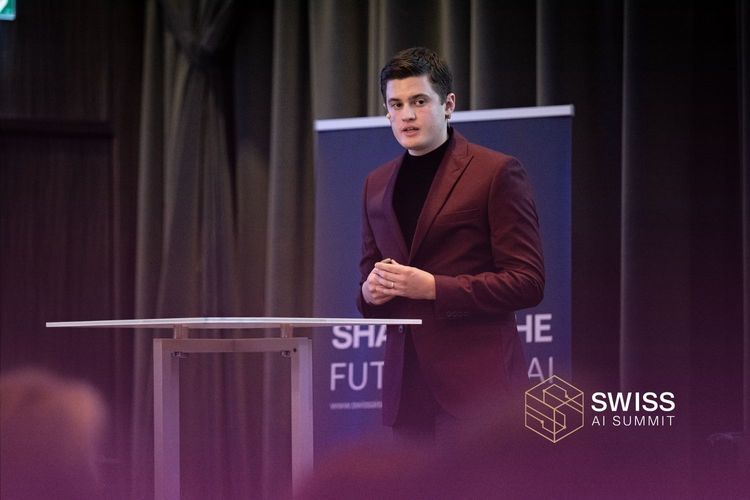
Agentic AI Orchestration
Swiss AI Summit 2025 Keynote with Georg M. V. Olowson from IBM.
-
February 12, 2026
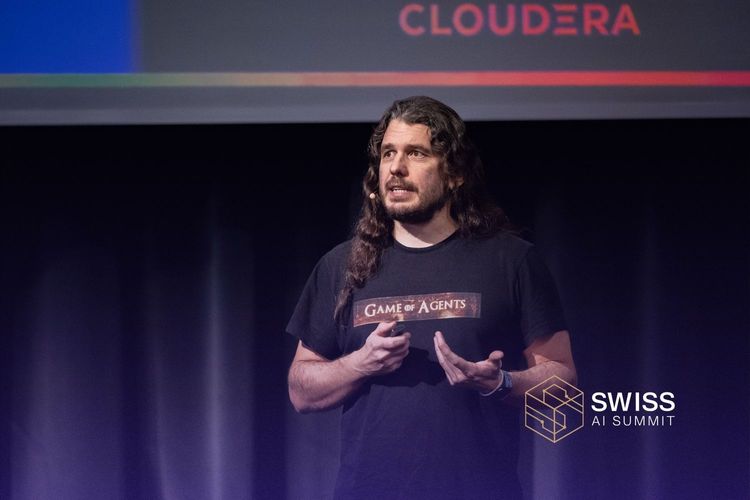
Driving Scalable AI Adoption
Swiss AI Summit 2025 Keynote with Sergio Gago, CTO @ Cloudera
-
February 11, 2026
Embedded Intelligence
Swiss AI Summit 2025 Keynote with Nadine Ebmeyer, CEO @ BANQR
-

February 10, 2026
Enterprise AI Beyond the Hype
Swiss AI Summit 2025 Keynote with Dr. Dorian Selz, Founder & CEO @ Squirro AG
-
February 9, 2026
From AI Ambition to Scalable Impact
Swiss AI Summit 2025 Keynote with Wanja Bont, Partner @ PVL Partners
-
February 6, 2026
Swiss AI Summit listed as a top Global AI Event
Read more about the Article and our Listing by DigitalMara.
-
February 5, 2026
EU-INC. One Legal Entity, One AI Rulebook:
What the EU’s Single Market Vision Means for Tech Companies and AI Innovation
-
November 2, 2025
Interview with: Lauren Hawker Zafer
How Squirro’s Lauren Hawker Zafer views Zurich’s growing AI ecosystem
-
October 8, 2025
PRESS RELEASE: SwissCognitive and Swiss AI Summit join forces
Strengthening business-driven AI adoption and dialogue in Switzerland and beyond
-

October 1, 2025
Article: General-Purpose AI Code of Practice
From Voluntary Code to Strategic Standard: leveraging the GPAI Code of Practice.
-
September 29, 2025
News: The Swiss AI Summit Ecosystem
Switzerland's holistic Platform for AI Innovation
-

September 10, 2025
Article: Escaping the 85% Failure Trap:
Boost Your AI with Quantum-Enhanced Time Series Forecasting
-

September 10, 2025
Article: AI as the Brain of Tomorrow’s Financial System
Insights from Pathway 2035 for Financial Innovation – Your Navigator
-
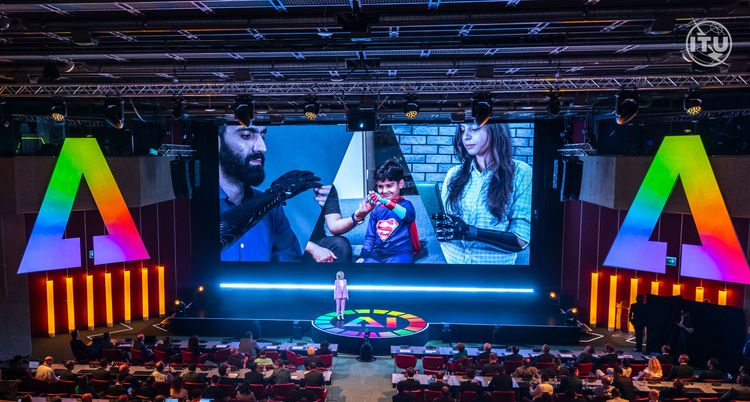
September 8, 2025
Article: Shaping the Future
AI for Good Global Summit 2025 as the UN’s Premier Forum for AI Innovation
-
September 7, 2025
Article: Unlocking Generative AI in Finance
Solving Complex Data Challenges for Central Banks and Government Authorities
-
September 3, 2025
Article: THE FIVE TRUTHS OF AI - 2025 PERSPECTIVE
Let's explore the evolved "5 Truths of AI" that have emerged in 2025.
-
September 2, 2025
Article: Masumi - The PayPal for AI Agents
“We want to build the PayPal for AI agents.”














Share via: